The Phantom
The Ghost Who Walks is back! Comics' very first costumed hero is available on Steam and console in an all new side scrolling beat-em-up adventure.


The Ghost Who Walks is back! Comics' very first costumed hero is available on Steam and console in an all new side scrolling beat-em-up adventure.
About the game
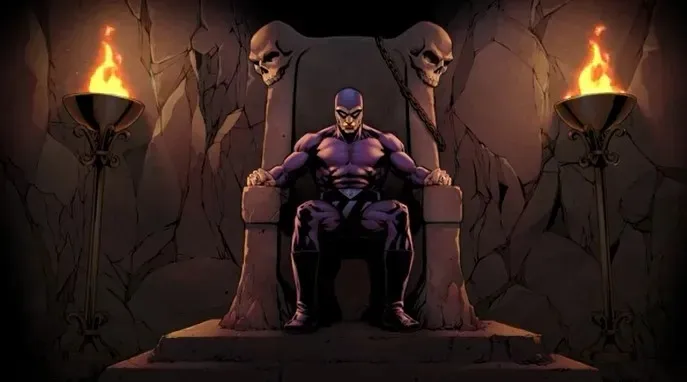
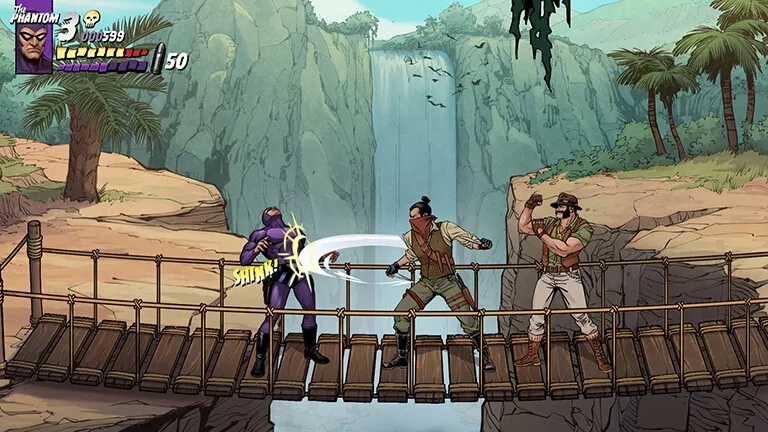
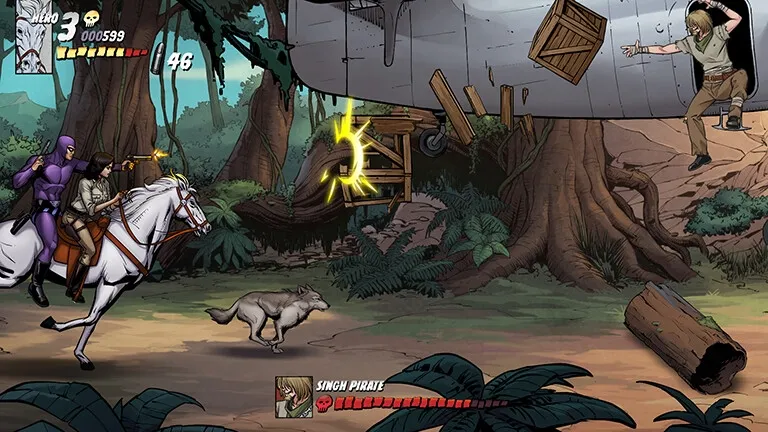
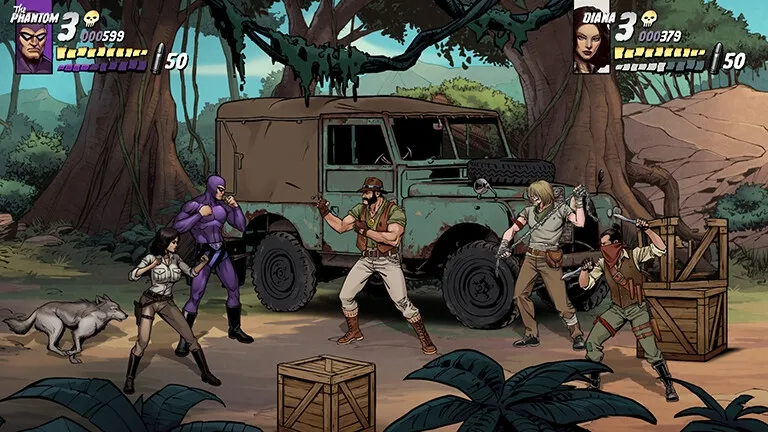
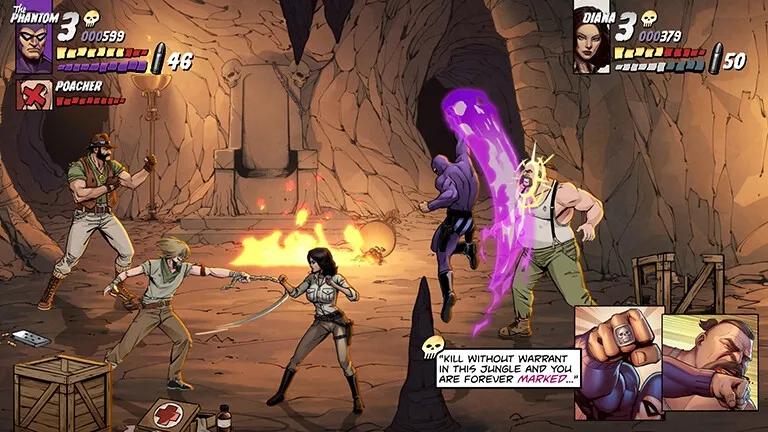
The Phantom is an arcade-style beat-em-up coming to PC and consoles. Play as The Phantom or his partner, Diana Palmer, in this 14-level adventure. The feared pirates of the Singh Brotherhood are battling for power and threatening The Phantom’s legacy, and it’s up to you to stop them. Use your hand-to-hand fighting skills and trusty weapons to dispatch this evil, and call in assistance from your animal friends Fraka the falcon and Devil the wolf. The Phantom features a brand-new story approved by King Features. Experience this canon addition through full-screen cut scenes and captivating in-game visuals, hand-illustrated and animated frame-by-frame by seasoned comic book artists and Art Of Play’s dedicated in-house 2D creative team.
Official store
Trusted. Transparent. Reliable.
Secure payment
Only verified payments methods
To activate a CD key on Steam, follow these steps:
If you encounter any issues during activation, please see this Retail CD Keys article for more info. If problems persist, you may contact Xsolla Customer Support at Xsolla Help Center.
Interface: English
Full Audio: English
Subtitles: English
If you have any issues with your purchase, please email us at support@xsolla.com or simply click on the customer support button located on the bottom left of the homepage to start a live chat. In rare cases, it may take up to a few minutes for emails from Xsolla Mall to deliver.